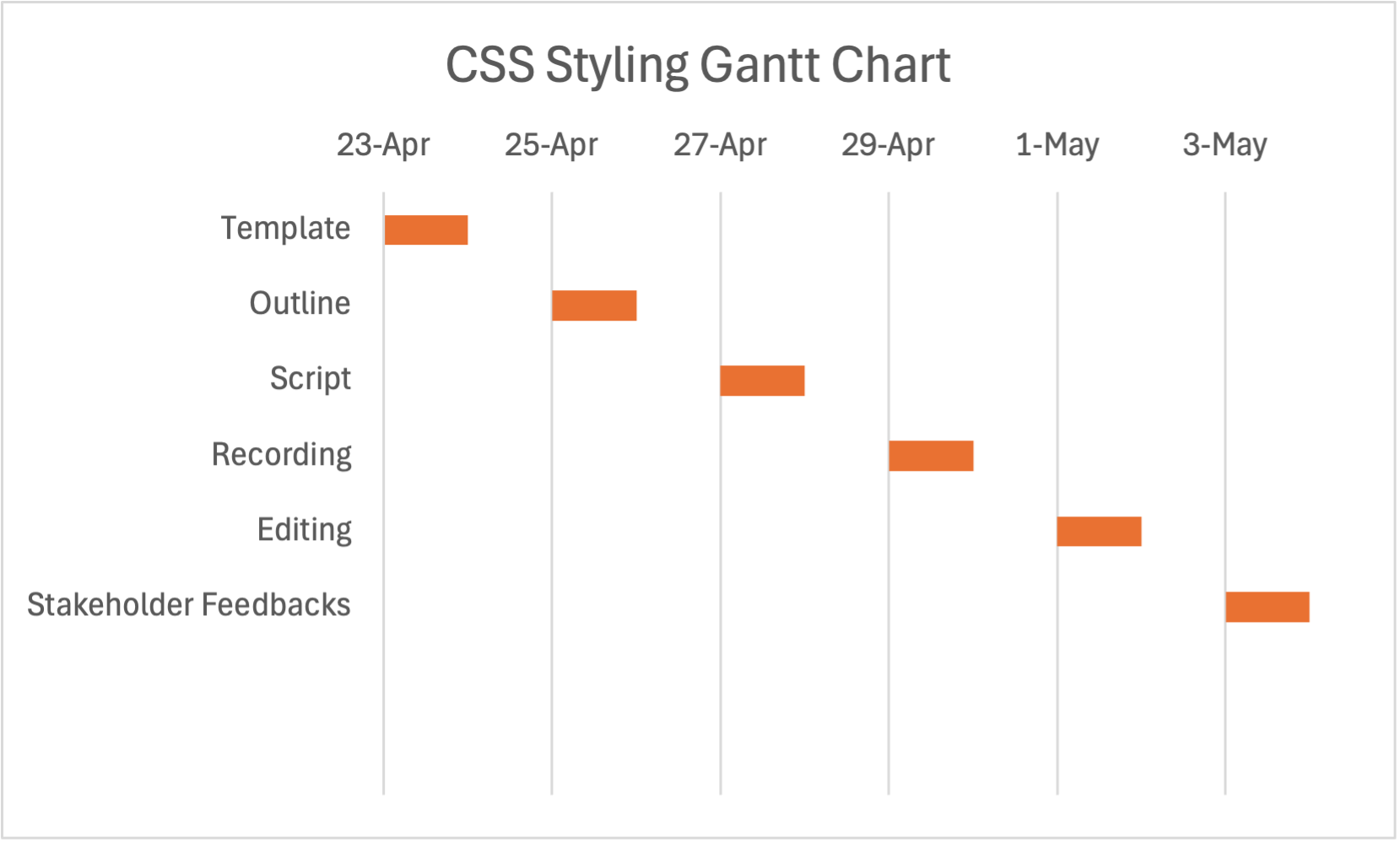
When it comes to styling your web site with CSS (Cascading Style Sheets) there are many different objectives. The first thing you need to understand is how to successfully identify what each element means. Before looking at what elements you want to include in your web site, you first have to insert <style></style> to give youself the designated space for anything styling related. Afterwards, you use specific commands within the "style" text to target different parts of your website. For example, to modify your h1 tag, you can use the h1 {} command. Within the {}, you can use commands such as text-color or font-family to change the font and color of the text. After you've successfully styled your web site, the next step is making sure there are no errors in your code as well as verifying everything looks good according to your vision. The last step to take is to get stakeholder feedback (Feedback from anyone involved in this project). In my case, it would be showing it to the professor for approval.
Gantt Chart